
Choosing the right business email and productivity platform is an important decision.
Your employees rely on technology every day to communicate with customers, schedule meetings, share documents, collaborate with coworkers, and access important company information.
Two of the most popular solutions for businesses are Google Workspace and Microsoft Exchange and Microsoft 365.
But which one is right for your business?
The answer depends on how your company works.
Google Workspace is built around cloud-based collaboration with tools such as Gmail, Google Drive, Docs, Sheets, Meet, and Chat.
Microsoft Exchange is Microsoft’s business email and calendaring platform and is commonly used alongside Microsoft 365 applications such as Outlook, Word, Excel, PowerPoint, Teams, OneDrive, and SharePoint.
Let’s take a closer look.
What Is Google Workspace?
Google Workspace is Google’s collection of cloud-based business productivity tools.
Most people are familiar with Gmail, but Google Workspace provides much more than business email.
Google Workspace includes tools such as:
- Gmail
- Google Drive
- Google Docs
- Google Sheets
- Google Slides
- Google Meet
- Google Chat
- Google Calendar
- Google Forms
- Google Sites
- Gemini AI
Google Workspace is designed around cloud-based collaboration, allowing employees to work from different locations and collaborate on files in real time.
What Is Microsoft Exchange?
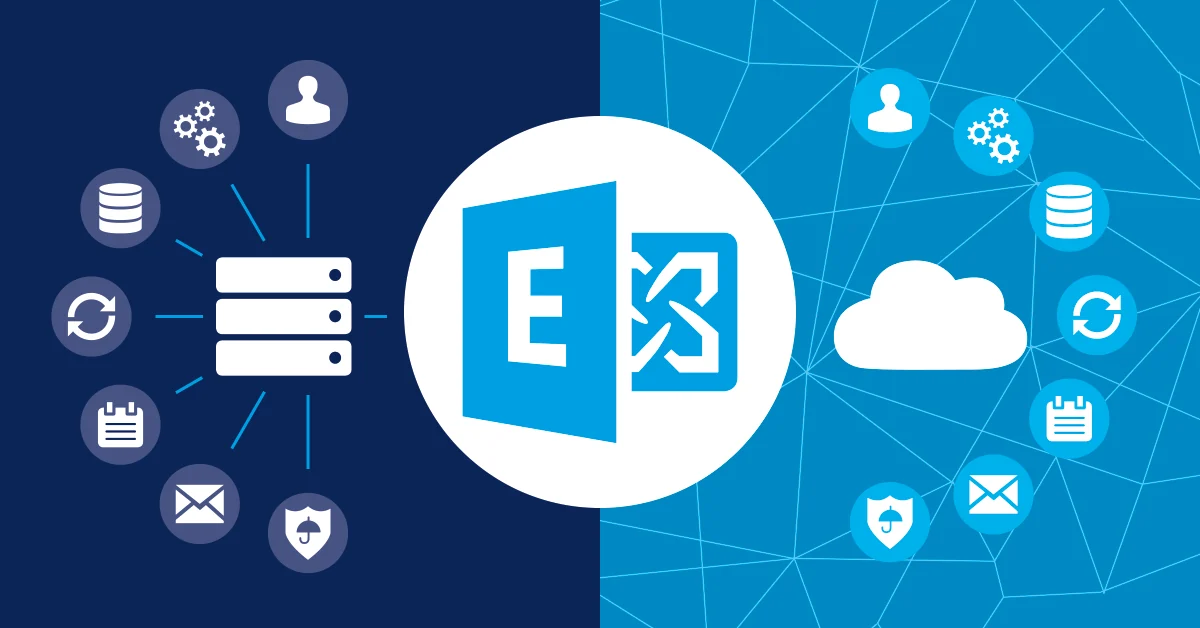
Microsoft Exchange is a business email and calendaring platform.
For many businesses, Exchange Online is part of the larger Microsoft 365 ecosystem.
Microsoft Exchange provides:
- Business email
- Custom email addresses
- Calendars
- Contacts
- Shared mailboxes
- Spam and malware filtering
- Business messaging features
Many businesses combine Exchange with other Microsoft services such as:
- Outlook
- Word
- Excel
- PowerPoint
- Microsoft Teams
- OneDrive
- SharePoint
Microsoft Exchange Online can also be purchased as a standalone hosted email service, depending on the needs of the business.
Google Workspace vs. Microsoft Exchange: A Quick Comparison
| Feature | Google Workspace | Microsoft Exchange / Microsoft 365 |
| Business Email | Gmail | Outlook / Exchange |
| Desktop Applications | Limited desktop focus | Powerful desktop applications |
| Cloud Applications | Excellent | Excellent |
| Document Collaboration | Excellent | Excellent |
| Advanced Spreadsheets | Google Sheets | Microsoft Excel |
| File Storage | Google Drive | OneDrive / SharePoint |
| Video Meetings | Google Meet | Microsoft Teams |
| Team Messaging | Google Chat | Microsoft Teams |
| AI | Google Gemini | Microsoft Copilot |
| PC Compatibility | Excellent | Excellent |
| Mac Compatibility | Excellent | Excellent |
| Mixed PC/Mac Environment | Simple browser experience | Strong, with some features varying by app |
| Security | Strong cloud-based security | Strong integrated security ecosystem |
| Best For | Cloud-first collaboration | Microsoft productivity and desktop apps |
Both platforms are powerful.
The right choice depends on your employees, workflows, existing technology, devices, and business needs.
1. Business Email: Gmail vs. Outlook
Email is one of the biggest differences users notice when comparing Google Workspace and Microsoft Exchange.
Google Workspace Uses Gmail
Google Workspace provides professional business email using Gmail.
For example:
yourname@yourbusiness.com
The Gmail interface is familiar to millions of people.
It is simple, cloud-based, and accessible from:
- PCs
- Macs
- Smartphones
- Tablets
- Web browsers
Google Workspace also integrates Gmail with other Google services such as Calendar, Drive, Meet, and Chat.
Gmail May Be Best For:
- Businesses that prefer a simple interface
- Remote teams
- Cloud-first organizations
- Businesses that already use Google products
- Employees who work from multiple devices
Microsoft Exchange Uses Outlook
Microsoft Exchange is commonly accessed through Microsoft Outlook.
Outlook has been one of the most widely used business email platforms for many years.
It provides powerful tools for managing:
- Calendars
- Contacts
- Shared mailboxes
- Tasks
Outlook can be used through:
- Desktop applications
- Web browsers
- Smartphones
- Tablets
Microsoft Exchange May Be Best For:
- Businesses already familiar with Outlook
- Companies that use Microsoft Office
- Organizations that rely heavily on calendars and shared mailboxes
- Businesses already using Microsoft 365
2. Desktop Apps vs. Cloud-Based Apps
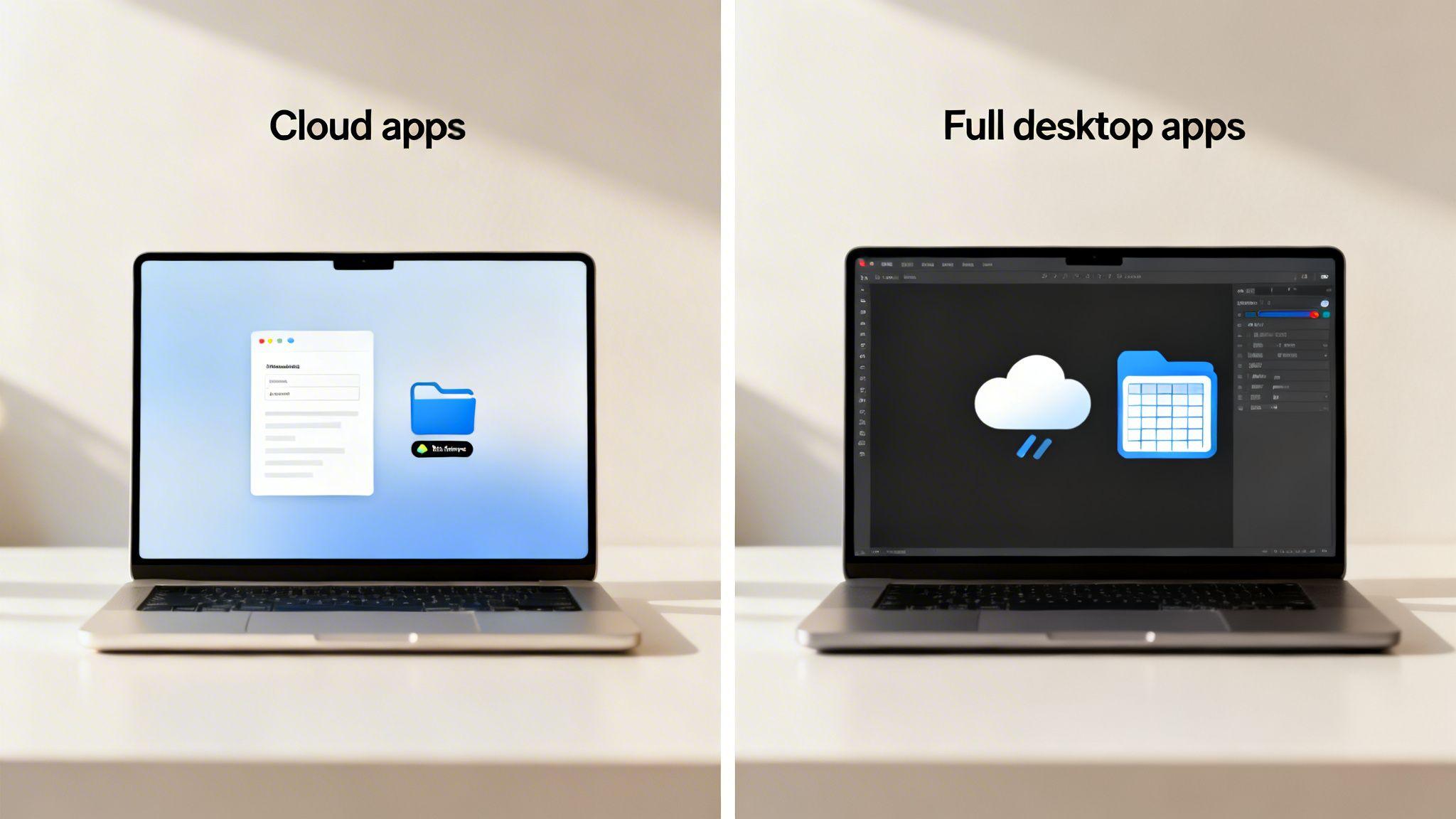
One of the biggest differences between Google Workspace and Microsoft 365 is how users work with their applications.
Microsoft: Powerful Desktop Applications
Microsoft has long been known for its powerful desktop software.
Many businesses rely on installed applications such as:
- Microsoft Outlook
- Microsoft Word
- Microsoft Excel
- Microsoft PowerPoint
- Microsoft Teams
Microsoft 365 gives businesses the flexibility to use desktop applications while also providing web and cloud-based versions.
This can be especially beneficial for businesses that need more advanced features.
Microsoft Desktop App Benefits
Microsoft desktop applications can be particularly useful for:
- Advanced Excel spreadsheets
- Complex formulas and data analysis
- Large Word documents
- Professional presentations
- Offline work
- Businesses with established Microsoft workflows
For example, while Google Sheets is excellent for collaboration and everyday spreadsheets, many businesses prefer Microsoft Excel when working with complex financial models, advanced formulas, macros, and large amounts of data.
Microsoft Word and PowerPoint also provide powerful features for businesses that regularly create detailed documents and professional presentations.
Best For:
Businesses that want the flexibility of cloud access along with powerful desktop applications.
Google Workspace: Cloud-Based Simplicity
Google Workspace takes a cloud-first approach.
Applications such as:
- Google Docs
- Google Sheets
- Google Slides
- Gmail
are primarily designed to be used through a web browser.
This means employees can access their work from almost any computer with an internet connection.
Google’s applications are designed around:
- Easy sharing
- Real-time collaboration
- Cloud storage
- Automatic saving
- Browser-based access
Google Workspace Benefits
Google Workspace can be especially convenient for:
- Remote teams
- Employees using multiple devices
- Businesses that prioritize collaboration
- Teams that frequently work together on documents
- Companies that prefer browser-based applications
Best For:
Businesses that want a simple, cloud-first productivity environment.
3. Documents and Collaboration
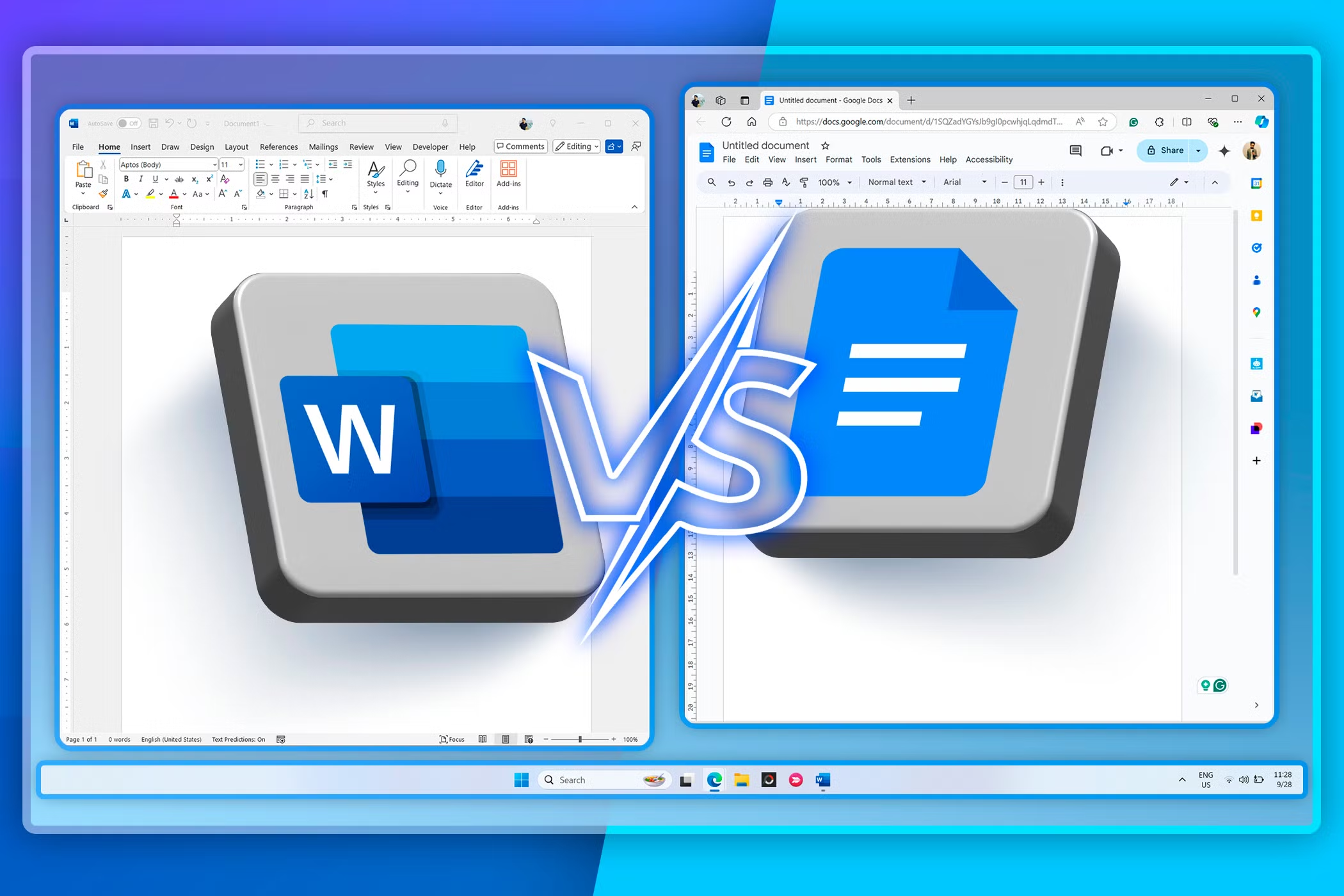
This is one of the biggest differences between the two platforms.
Google Workspace Collaboration
Google Workspace was built around cloud-based collaboration.
Multiple employees can work on the same document at the same time.
For example, your team can collaborate on:
- A Google Doc
- A Google Sheet
- A Google Slides presentation
Employees can see changes in real time.
They can also:
- Leave comments
- Suggest edits
- Tag coworkers
- View document history
Google Workspace is especially convenient for teams that frequently work together on documents from different locations.
Microsoft Collaboration
Microsoft has also significantly expanded its cloud collaboration tools.
Businesses can collaborate using:
- Microsoft Word
- Excel
- PowerPoint
- OneDrive
- SharePoint
- Microsoft Teams
Microsoft 365 allows teams to store files in the cloud and collaborate with other employees.
For businesses already using Microsoft Office, this can be especially convenient.
Many employees are already familiar with:
- Word
- Excel
- PowerPoint
The Difference?
Google Workspace was designed with browser-based, cloud-first collaboration as a central part of its experience.
Microsoft offers powerful collaboration while also providing the familiar desktop applications that many businesses have relied on for years.
4. Google Drive vs. OneDrive and SharePointBoth platforms provide cloud storage
However, they organize and manage files differently.
Google Drive
Google Drive allows businesses to store and share files in the cloud.
Employees can access files from:
- PCs
- Macs
- Web browsers
- Smartphones
- Tablets
Google Workspace also provides shared drives for teams and organizations.
This can make it easier to organize company documents and provide access to employees.
Google Drive Is Great For:
- Simple file sharing
- Remote employees
- Real-time collaboration
- Cloud-first businesses
- Mixed PC and Mac environments
Microsoft OneDrive and SharePoint
Microsoft typically uses OneDrive and SharePoint for business file storage and collaboration.
OneDrive
OneDrive is commonly used for individual employee file storage.
SharePoint
SharePoint can be used for:
- Team files
- Company documents
- Shared resources
- Internal collaboration
- Document management
Microsoft’s approach can be especially useful for businesses with structured file-sharing and document-management needs.
5. Video Meetings: Google Meet vs. Microsoft Teams
Communication is more important than ever, especially for businesses with remote or hybrid employees.
Google Meet
Google Workspace includes Google Meet for video conferencing.
Google Meet integrates with:
- Gmail
- Google Calendar
- Google Workspace
Depending on the plan, businesses can access additional meeting features such as:
- Meeting recording
- Larger meetings
- Additional collaboration tools
Google Meet Is Great For:
- Quick video meetings
- Remote teams
- Simple scheduling
- Businesses already using Google Calendar
Microsoft Teams
Microsoft Teams is designed for business communication and collaboration.
Teams can combine:
- Video meetings
- Team chat
- File sharing
- Collaboration
- Channels
- Microsoft 365 integration
For businesses already using Outlook and Microsoft 365, Teams can become a central location for communication and collaboration.
Microsoft Teams Is Great For:
- Businesses with larger teams
- Companies already using Microsoft 365
- Teams that need chat and video conferencing
- Organizations that want collaboration integrated with Microsoft applications
6. AI: Google Gemini vs. Microsoft Copilot
Artificial Intelligence is becoming an increasingly important part of business technology.
Both Google and Microsoft are integrating AI into their productivity platforms.
Google Gemini
Google Workspace offers Gemini AI capabilities across supported Workspace services and plans.
Depending on the features available, Gemini can help with tasks such as:
- Writing and refining documents
- Summarizing emails
- Organizing information
- Analyzing files
- Working with spreadsheets
- Summarizing documents
- Helping during meetings
Gemini May Be Best For:
Businesses that already rely heavily on Google Workspace.
Microsoft Copilot
Microsoft Copilot is Microsoft’s AI solution designed to assist users across its ecosystem.
Depending on licensing and configuration, Copilot can assist with work involving Microsoft applications such as:
- Outlook
- Word
- Excel
- PowerPoint
- Teams
Microsoft Copilot can help employees work more efficiently by assisting with writing, summarizing, analyzing, and organizing information.
Copilot May Be Best For:
Businesses are already heavily invested in Microsoft 365.
7. Security: Google Workspace vs. Microsoft Exchange
Security should be an important consideration when choosing a business email and productivity platform.
Both Google Workspace and Microsoft 365 offer strong security capabilities.
However, the best protection depends heavily on how the platform is configured and managed.
Google Workspace Security
Google Workspace includes security features designed to help protect business accounts and data.
Depending on the plan and configuration, businesses may have access to features such as:
- Spam and phishing protection
- Malware detection
- Multi-factor authentication
- Account security controls
- Administrative controls
- Data protection tools
- Device management
- Security monitoring
Google’s cloud-based approach can also help deliver security updates and improvements without businesses needing to manually update browser-based productivity applications.
Google Security May Be Best For:
Businesses looking for a streamlined, cloud-based security approach.
Microsoft 365 and Exchange Security
Microsoft also provides extensive security capabilities for businesses.
Depending on the Microsoft 365 plan and security configuration, businesses may have access to:
- Spam and phishing protection
- Malware protection
- Multi-factor authentication
- Microsoft Defender security tools
- Identity and access management
- Email security
- Device management
- Data loss prevention
- Advanced threat protection
Microsoft can be particularly attractive for businesses that want to manage email, users, devices, and security within a larger Microsoft ecosystem.
Microsoft Security May Be Best For:
Businesses looking for deeper integration between productivity tools, users, devices, and security systems.
Security Is More Than Choosing the Right Platform
Both Google and Microsoft provide powerful security tools.
However, simply purchasing Google Workspace or Microsoft 365 does not automatically make a business secure.
Businesses should still focus on:
- Strong passwords
- Multi-factor authentication
- Employee cybersecurity training
- Regular software updates
- Proper user access
- Email security
- Device protection
- Reliable backups
- Monitoring suspicious activity
The security of your business depends not only on the platform you choose but also on how it is configured and managed.
8. PC vs. Mac: Which Platform Works Better?
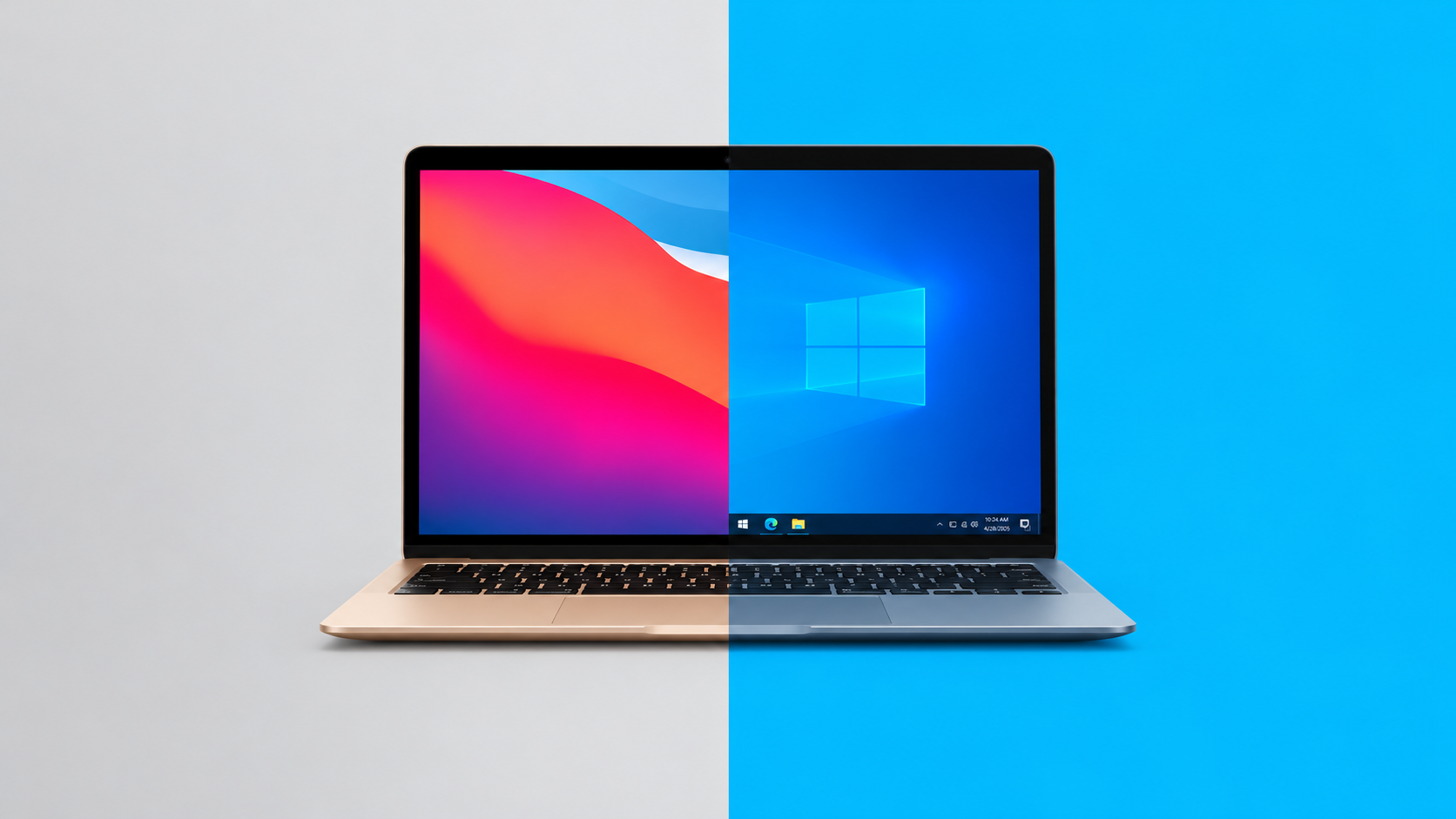
One important question businesses often ask is:
Does Google Workspace or Microsoft work better on a PC or Mac?
The good news is that both platforms support Windows and Mac computers.
However, there are differences in how each platform works.
Google Workspace Benefits for PC and Mac Users
Google Workspace is primarily browser-based.
This means the experience is generally similar whether you are using:
- A Windows PC
- A Mac
- A Chromebook
As long as the employee has a modern web browser and an internet connection, they can access:
- Gmail
- Google Docs
- Google Sheets
- Google Drive
- Google Meet
- Google Calendar
Google Workspace Benefits for Mixed PC and Mac Offices
Google Workspace can be an excellent choice for businesses where employees use a mixture of PCs and Macs.
Because most of the work is done through a browser, employees generally have a similar experience regardless of which operating system they use.
Best For:
- Mixed PC and Mac environments
- Remote teams
- Employees who frequently switch devices
- Businesses that prefer browser-based software
Microsoft Benefits for PC Users
Microsoft applications have traditionally been closely associated with Windows PCs.
Microsoft 365 applications work extremely well within the Windows environment.
Businesses using Windows PCs may benefit from the close integration between:
- Windows
- Microsoft Outlook
- Word
- Excel
- PowerPoint
- Teams
- OneDrive
- SharePoint
Microsoft’s ecosystem can make it easier for businesses to manage employees, computers, files, and productivity tools from one technology environment.
Best For:
Businesses that primarily use Windows PCs and Microsoft applications.
Microsoft Benefits for Mac Users
Microsoft 365 is also available for Mac.
Mac users can install applications such as:
- Outlook
- Word
- Excel
- PowerPoint
- Teams
- OneDrive
This allows businesses with Macs to continue using Microsoft productivity tools that employees may already be familiar with.
However, some advanced features and integrations may work differently between Windows and Mac versions of certain Microsoft applications.
Best For:
Mac-based businesses that prefer Microsoft Office and Outlook.
9. Ease of Use
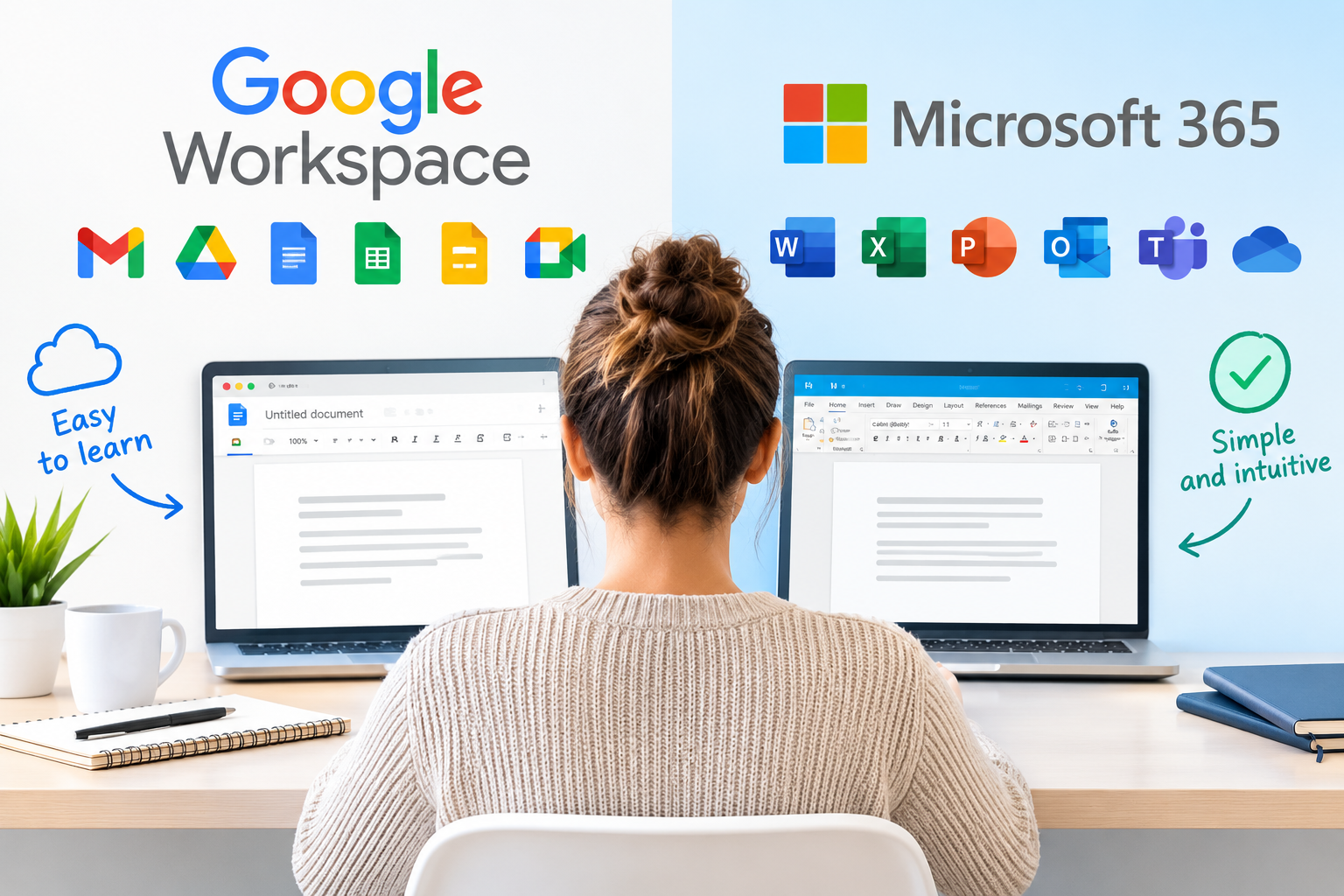
Google Workspace
Many users find Google Workspace easy to learn.
The interface is generally simple and consistent across devices.
Because Google Workspace is cloud-based, employees can often access their work from almost any device with an internet connection.
Google Workspace May Feel Easier For:
- New users
- Small businesses
- Remote teams
- Employees who already use Gmail
- Mixed PC and Mac environments
Microsoft Exchange and Microsoft 365
Microsoft applications are familiar to many business professionals.
Employees who have used Outlook, Word, Excel, and PowerPoint for years may prefer staying within the Microsoft ecosystem.
Microsoft May Feel Easier For:
- Businesses already using Microsoft Office
- Long-time Outlook users
- Companies with established Microsoft workflows
- Businesses that rely heavily on desktop applications
10. Which Is Better for Small Businesses?
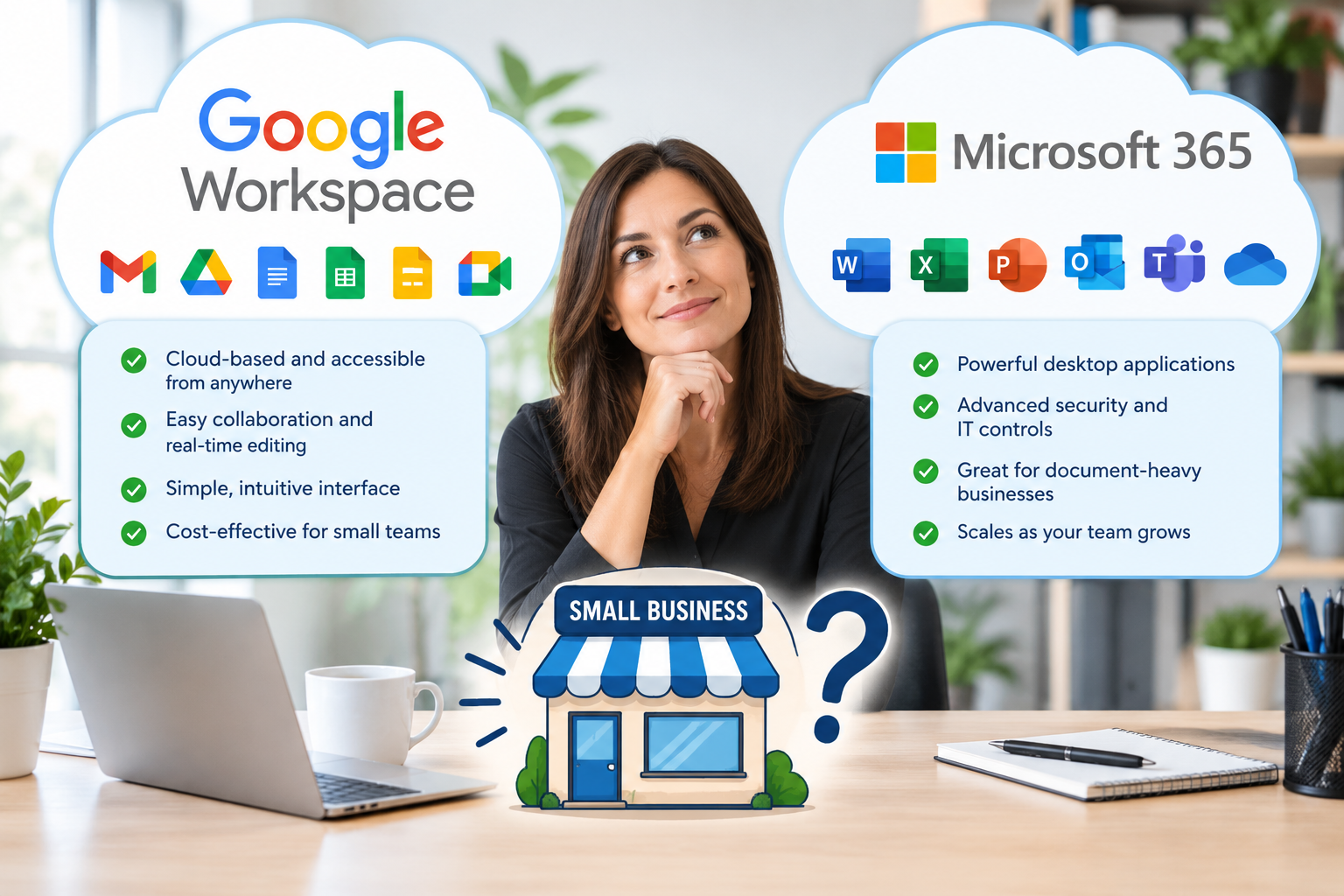
Both Google Workspace and Microsoft can be excellent choices for small businesses.
The right option depends on how your employees work.
Choose Google Workspace If:
- Your team prefers Gmail
- You want cloud-first collaboration
- Your employees frequently work remotely
- You use Google Docs and Google Drive
- You prefer simple browser-based tools
- Your team collaborates on documents in real time
- You have a mix of PCs and Macs
Choose Microsoft Exchange and Microsoft 365 If:
- Your business already uses Outlook
- Your employees rely on Word and Excel
- You frequently use advanced Excel features
- Your company uses Microsoft Teams
- Your employees prefer desktop applications
- Your company primarily uses Windows PCs
- You already have Microsoft systems in place
11. Can Your Business Use Both?
In some situations, businesses may use services from both ecosystems.
For example, a company may have:
- Microsoft Exchange for email
- Google services for specific collaboration needs
However, using two separate ecosystems can sometimes create unnecessary complexity.
Employees may need to manage:
- Multiple logins
- Different storage locations
- Multiple calendars
- Different communication platforms
Before using multiple systems, it is important to consider whether the additional complexity is worth it.
For many businesses, choosing one primary productivity platform can make technology easier to manage.
Google Workspace vs. Microsoft Exchange: Our Recommendation
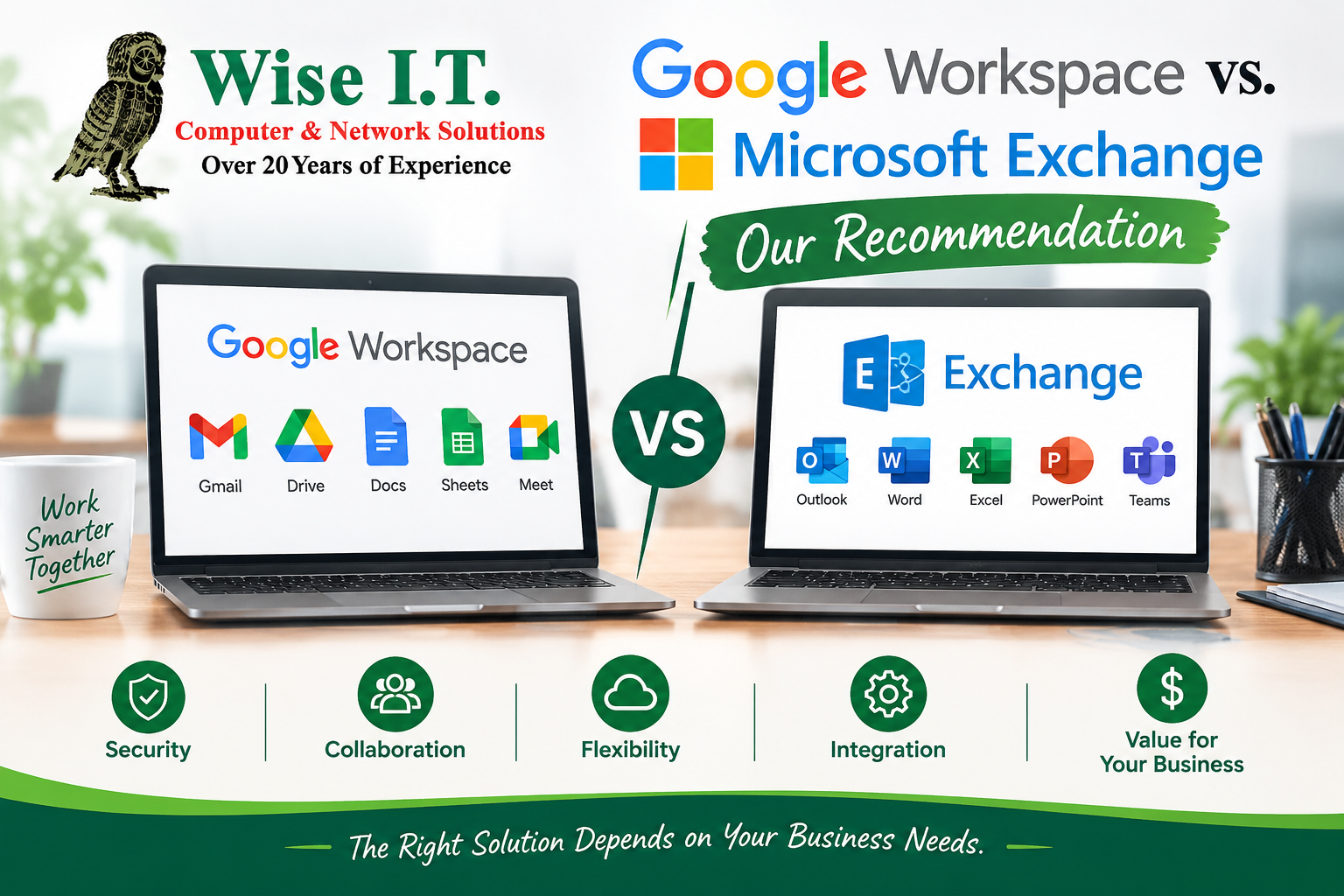
There is no single winner for every business.
Both Google Workspace and Microsoft Exchange are powerful solutions.
The best choice depends on your business.
Google Workspace May Be the Better Choice If You Want:
- Simple cloud-based tools
- Gmail for business
- Easy document collaboration
- Google Drive
- Google Meet
- A cloud-first environment
- A consistent experience across PCs and Macs
- Browser-based applications
Microsoft Exchange and Microsoft 365 May Be the Better Choice If You Want:
- Outlook and Exchange email
- Microsoft Word and Excel
- Powerful desktop applications
- Advanced Excel capabilities
- Microsoft Teams
- OneDrive and SharePoint
- Strong Windows integration
- A larger ecosystem for business productivity and security
The Most Important Question: What Does Your Business Need?
Before choosing Google Workspace or Microsoft Exchange, ask yourself:
- What email platform do my employees prefer?
- What software do we already use?
- Do employees need Microsoft Office desktop applications?
- Do we use PCs, Macs, or both?
- How often do we collaborate on documents?
- Do we have remote employees?
- How do we currently store files?
- What video conferencing platform do we use?
- What security and compliance requirements do we have?
- How much support will employees need?
The right answer should be based on your business, not simply which platform is more popular.
Wise I.T. Can Help You Choose the Right Solution

Choosing between Google Workspace and Microsoft Exchange can feel overwhelming.
There are different plans, features, licensing options, security settings, desktop applications, and migration considerations.
Wise I.T. can help your business evaluate:
- Your current email system
- Your PCs and Macs
- Your existing software
- Desktop application requirements
- How your employees collaborate
- Security requirements
- Remote work needs
- File storage
- Google Workspace options
- Microsoft Exchange and Microsoft 365 options
We can assist with:
- Google Workspace setup
- Microsoft Exchange setup
- Microsoft 365 implementation
- Business email setup
- Email migration
- Calendar migration
- User account setup
- Microsoft Outlook configuration
- Google Workspace administration
- Microsoft 365 administration
- Security configuration
- Multi-factor authentication
- Employee support
Switching Email Platforms? Wise I.T. Can Help
Moving your business from one email platform to another requires planning.
You may need to migrate:
- Contacts
- Calendars
- Files
- User accounts
- Shared mailboxes
A poorly planned migration can lead to lost emails, downtime, and frustrated employees.
Wise I.T. can help you plan your transition and make the process easier.
Google Workspace or Microsoft Exchange? Let’s Find the Right Fit.
Both platforms can help your business communicate, collaborate, and stay productive.
The best platform is the one that fits your employees, devices, workflow, and technology goals.
Whether you are considering Google Workspace, Microsoft Exchange, or a complete Microsoft 365 solution, Wise I.T. is here to help.
Technology should support your business, not make your job more complicated.
Need Help Choosing the Right Business Email Solution?
Wise I.T. can help you evaluate your options, set up your business email, migrate your data, secure your accounts, and support your employees.
Wise I.T. Computer & Network Solutions
Your technology partner for business email, cloud solutions, productivity, security, and IT support.
The post Google Workspace vs. Microsoft Exchange: Which Is Better for Your Business? first appeared on Wise I.T. Computer & Network Solutions.